

User Quick Exports
- 01 Dec 2025
- 1 Minute to read
- Contributors

- Print
- DarkLight
- PDF
User Quick Exports
- Updated on 01 Dec 2025
- 1 Minute to read
- Contributors
- Print
- DarkLight
- PDF
Article summary
Did you find this summary helpful?
Thank you for your feedback!
To run a Quick Export, go to Reports > Quick Exports.
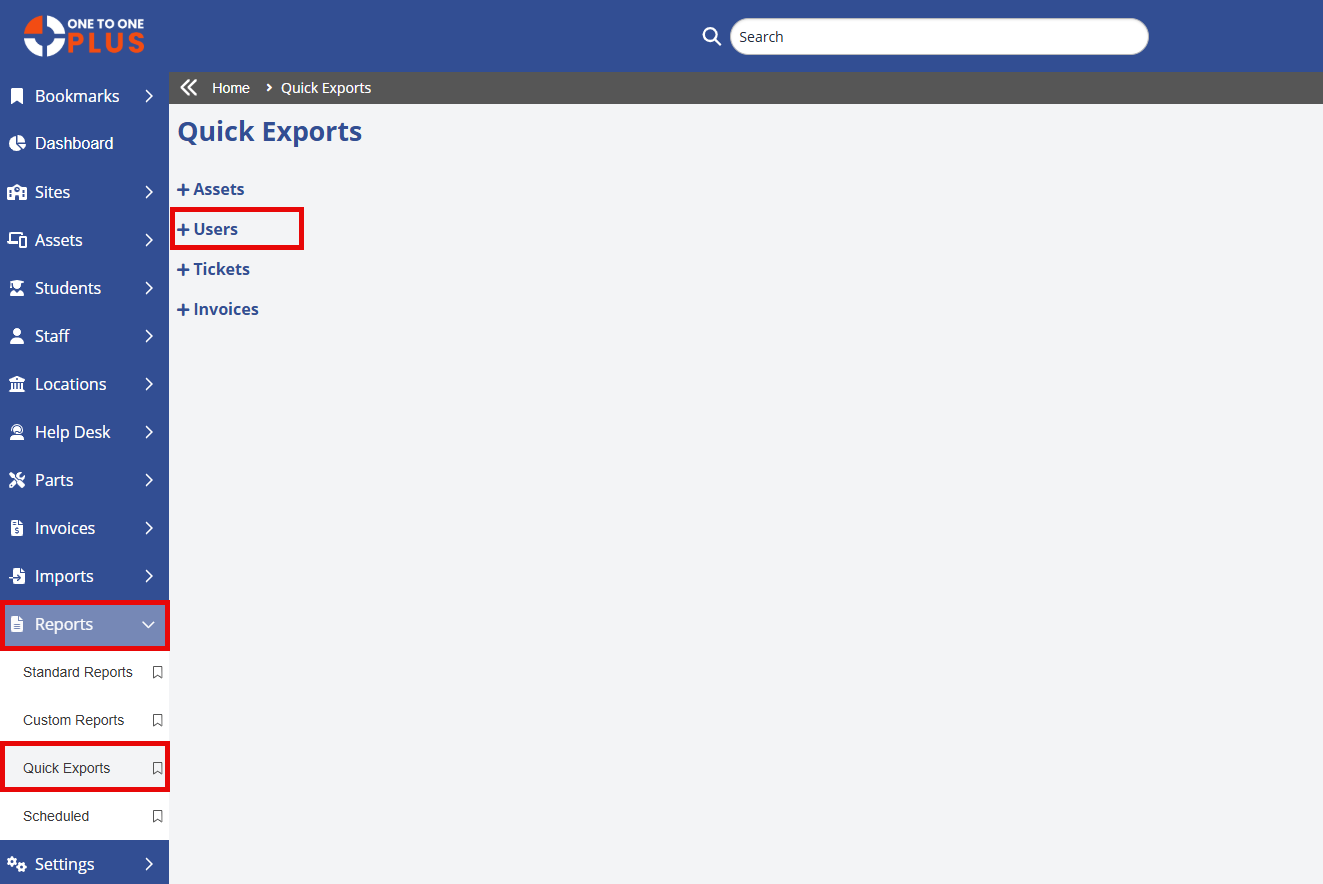
Click to expand which section of exports you want (Assets, Users, Tickets or Invoices). The reports available under the selection will be displayed.
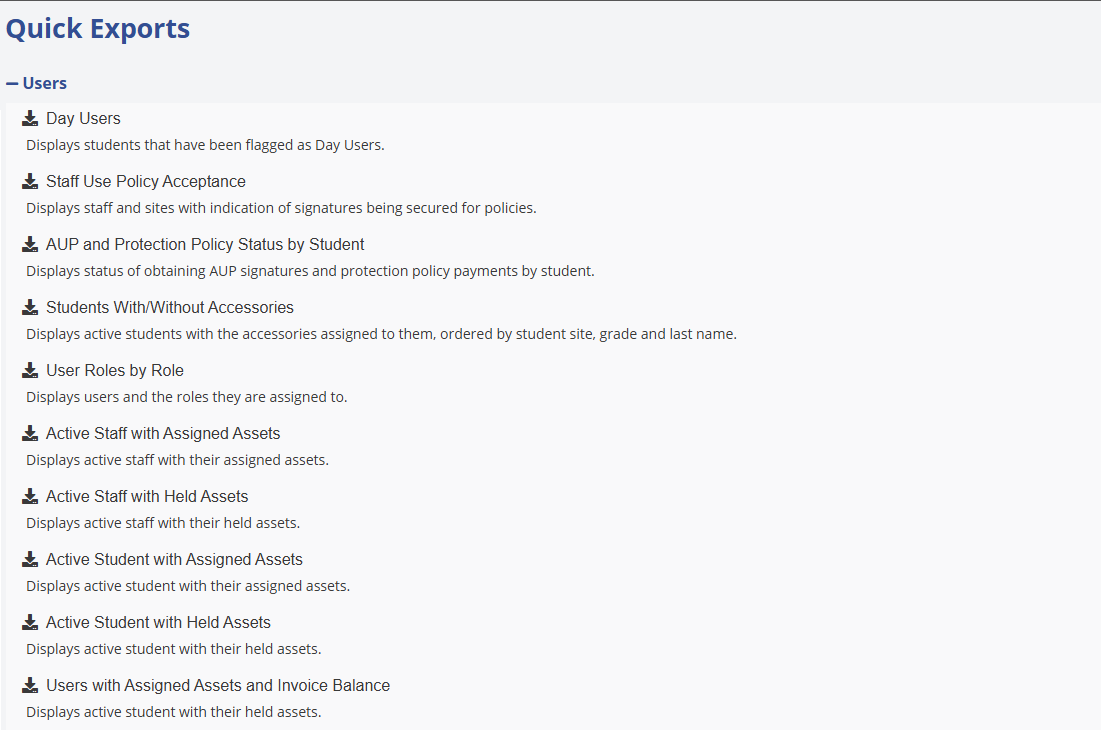
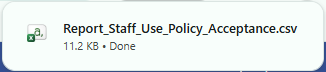
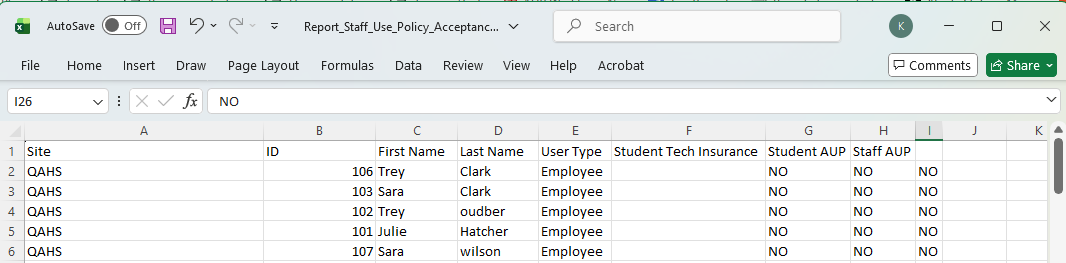
Click any export to generate a excel file that will be downloaded. Select the Excel file at the top of the screen to open it.
Was this article helpful?